Filament Drying Temperature and Time Table
Use the table as a starting point. The exact setting can change with resin formulation, spool construction, dryer airflow and the amount of absorbed moisture. Follow the temperature limit printed on the filament packaging or technical data sheet whenever it is available.
| Material | Starting Temperature | Starting Time | Practical Notes |
|---|---|---|---|
| PLA / PLA+ | 45–55°C | 4–6 hours | Use the lower end for heat-sensitive spools. Silk and matte PLA can normally follow the PLA range. |
| PETG | 55–65°C | 4–6 hours | Dry when stringing, rough surfaces or popping appear. |
| TPU | 50–60°C | 4–6 hours | Print from a dry box or dryer during long jobs in humid rooms. |
| ABS | 65–75°C | 4–6 hours | Confirm the spool can tolerate the selected temperature. |
| ASA | 70–80°C | 4–6 hours | Drying can improve surface consistency and reduce extrusion noise. |
| PC | 80–90°C | 4–6 hours | Use stable temperature control and keep the filament dry during printing. |
| Nylon / PA | 70–90°C | 6–12 hours | Highly moisture-sensitive. Store sealed and dry before demanding prints. |
| PA6-CF | 80°C | 8–12 hours | Use a hardened nozzle and continue feeding from a dry environment. |
| PVA / BVOH | 45–55°C | 6–12 hours | Keep sealed with fresh desiccant immediately after drying. |
Need dry-packed filament for resale or production?
View NexaForge PETG, TPU and PA6-CF wholesale options.
Signs That Filament Needs Drying
Popping or Crackling
Moisture turns into steam inside the hotend and produces audible pops during extrusion.
Stringing and Blobs
Wet filament can ooze unpredictably and leave excessive strings, zits or uneven extrusion.
Rough Surface
Small bubbles and inconsistent flow can create a matte, porous or pitted finish.
Weak Layer Bonding
Moisture can reduce extrusion consistency and weaken layer-to-layer adhesion.
Unstable First Layer
Irregular flow can make the first layer inconsistent even when bed leveling is correct.
Steam or Smoke-Like Vapor
Visible vapor near the nozzle is a strong indication that the material contains moisture.
How to Dry Filament Safely
- Check the material and spool. Confirm the recommended temperature and the maximum temperature the spool can tolerate.
- Preheat the dryer. Allow the chamber to reach a stable setting before placing the spool inside.
- Provide airflow. Moist air must leave the drying chamber instead of remaining trapped around the spool.
- Rotate when required. Dryers with uneven airflow may need the spool to be turned during the cycle.
- Transfer immediately. Move the dried spool into a sealed box or print directly from the dryer.
- Refresh desiccant. Replace or regenerate desiccant when it no longer controls moisture effectively.
Material-Specific Drying Notes
PLA, PLA+, Silk PLA and Matte PLA
PLA absorbs moisture more slowly than Nylon or TPU, but long storage in humid air can still cause stringing, rough surfaces and brittle handling. Keep the temperature conservative because PLA softens at relatively low temperatures.
PETG Drying Guide
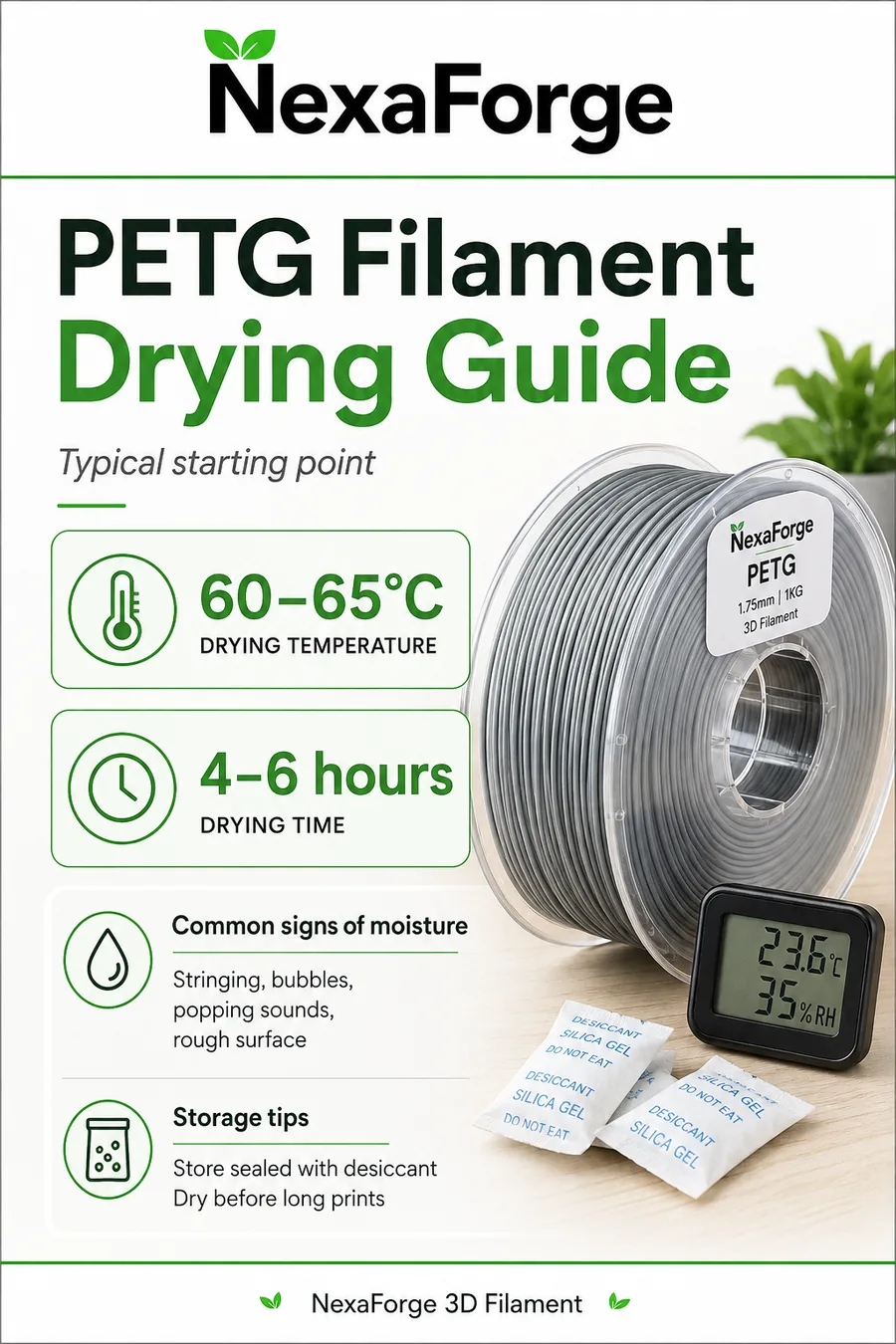
PETG often prints while slightly damp, but surface quality and stringing can deteriorate. Dry PETG before transparent, high-speed or functional prints where appearance and layer consistency matter.
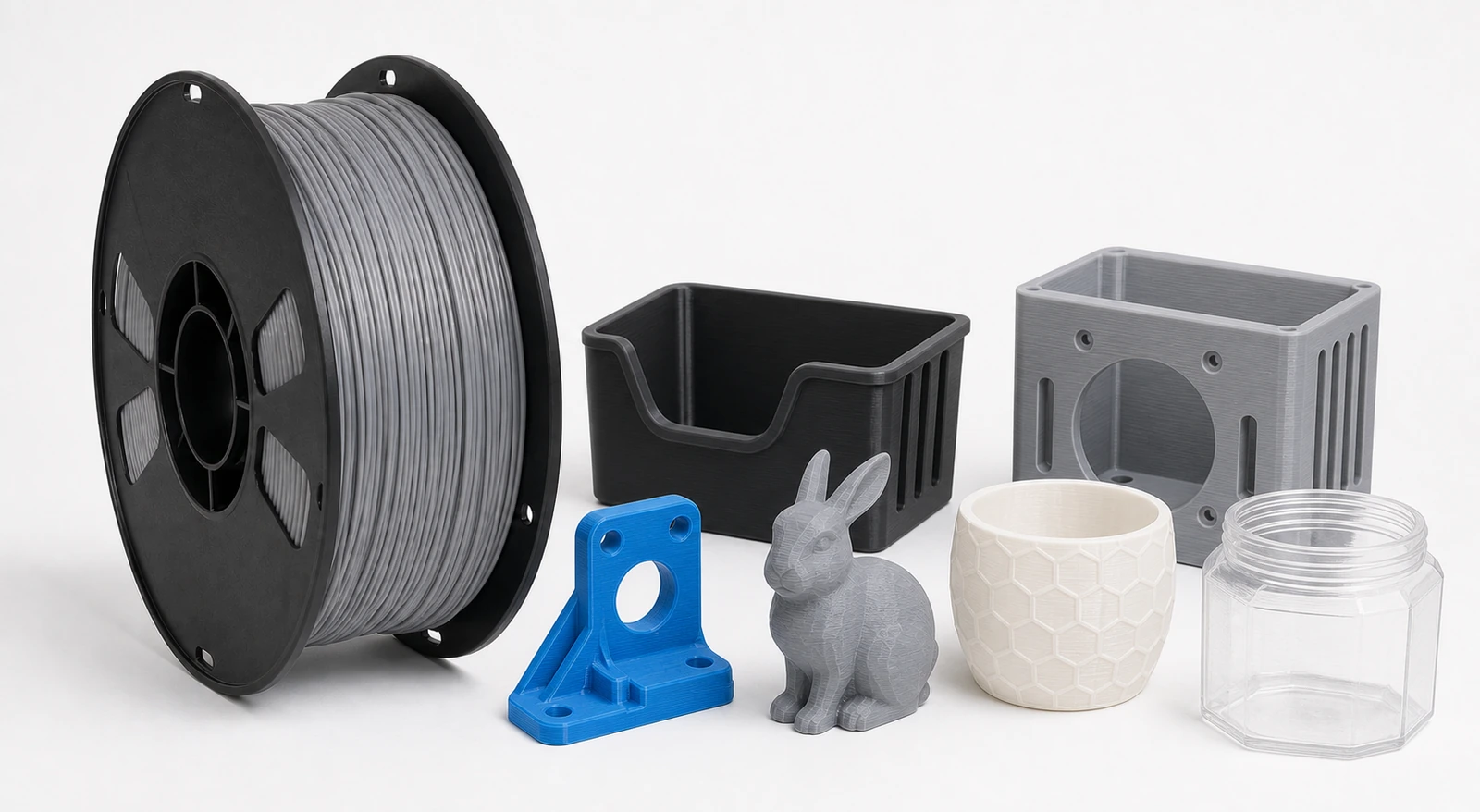
PETG Wholesale Filament
Printing: 230–250°C nozzle · 70–85°C bed
Drying start: 60–65°C for 4–6 hours when required.
View PETG FilamentTPU Drying Guide
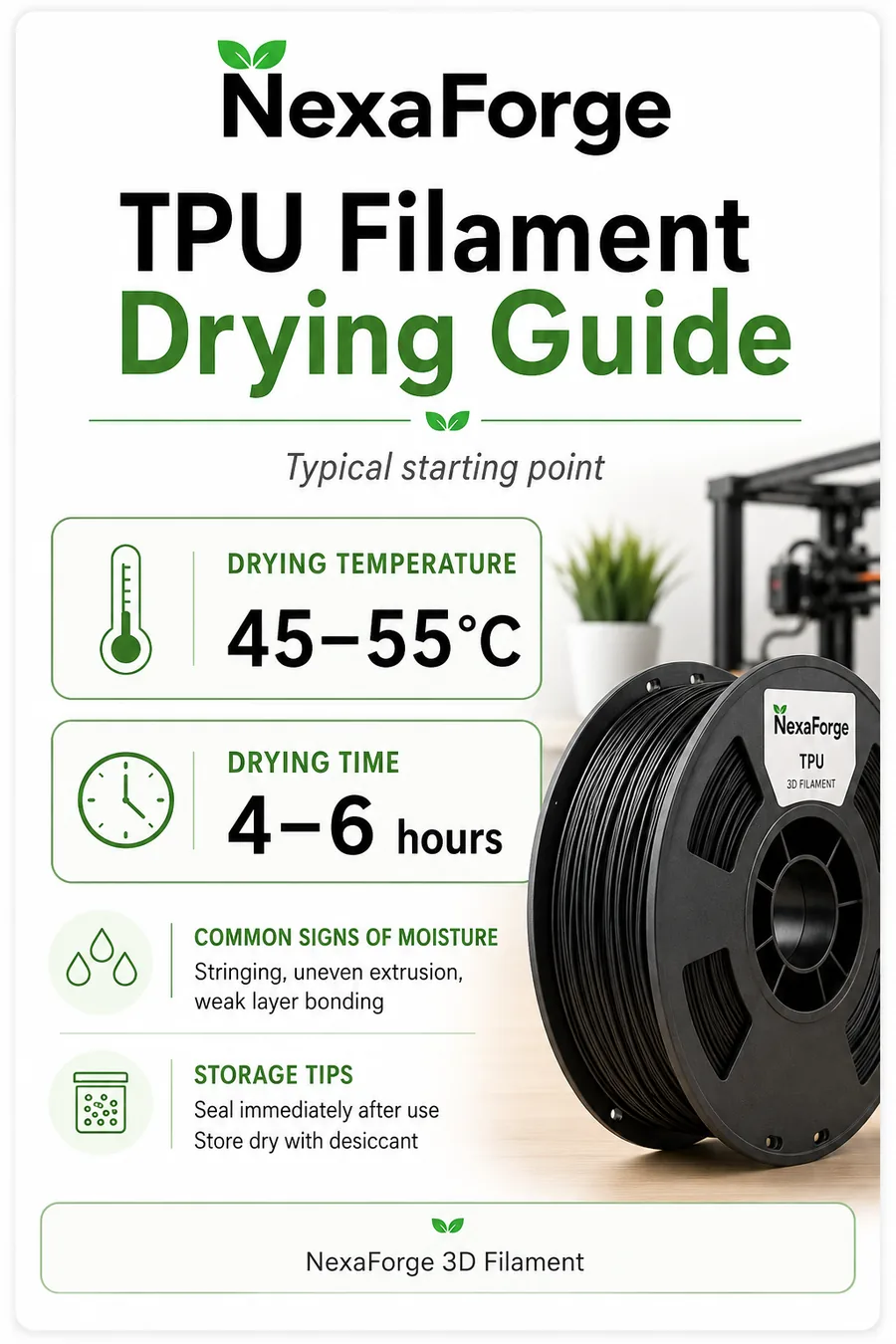
TPU can absorb moisture quickly. Dry it before printing and keep it in a controlled environment during long jobs. Wet TPU may produce heavy stringing, bubbles and inconsistent flexibility.
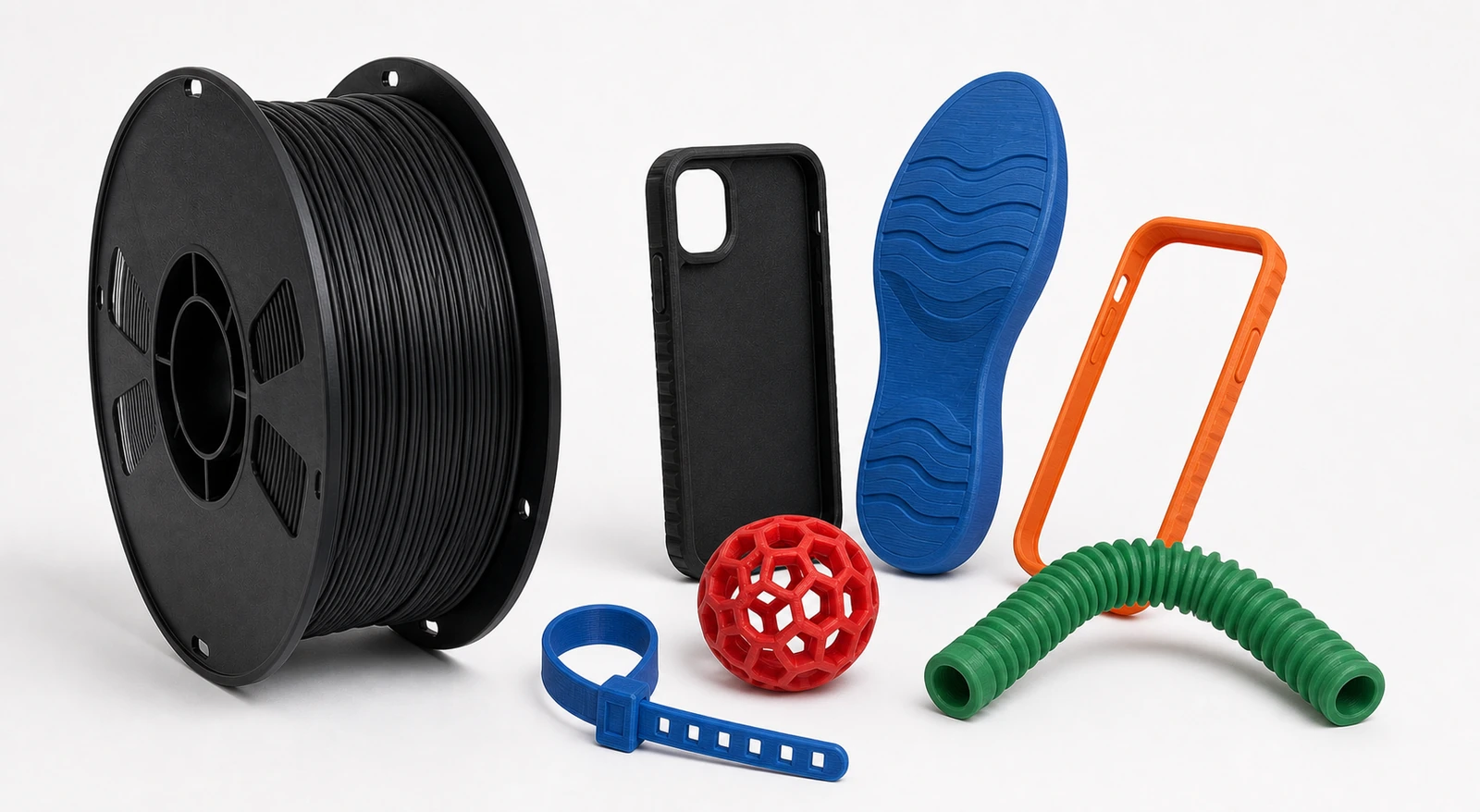
TPU 95A Wholesale Filament
Printing: 210–235°C nozzle · 40–60°C bed
Drying start: 45–55°C for 4–6 hours when required.
View TPU FilamentASA and ABS
Drying is useful after long storage or when the material shows extrusion noise and surface defects. Enclosure temperature, bed adhesion and ventilation remain separate printing requirements.
PA6-CF Drying Guide
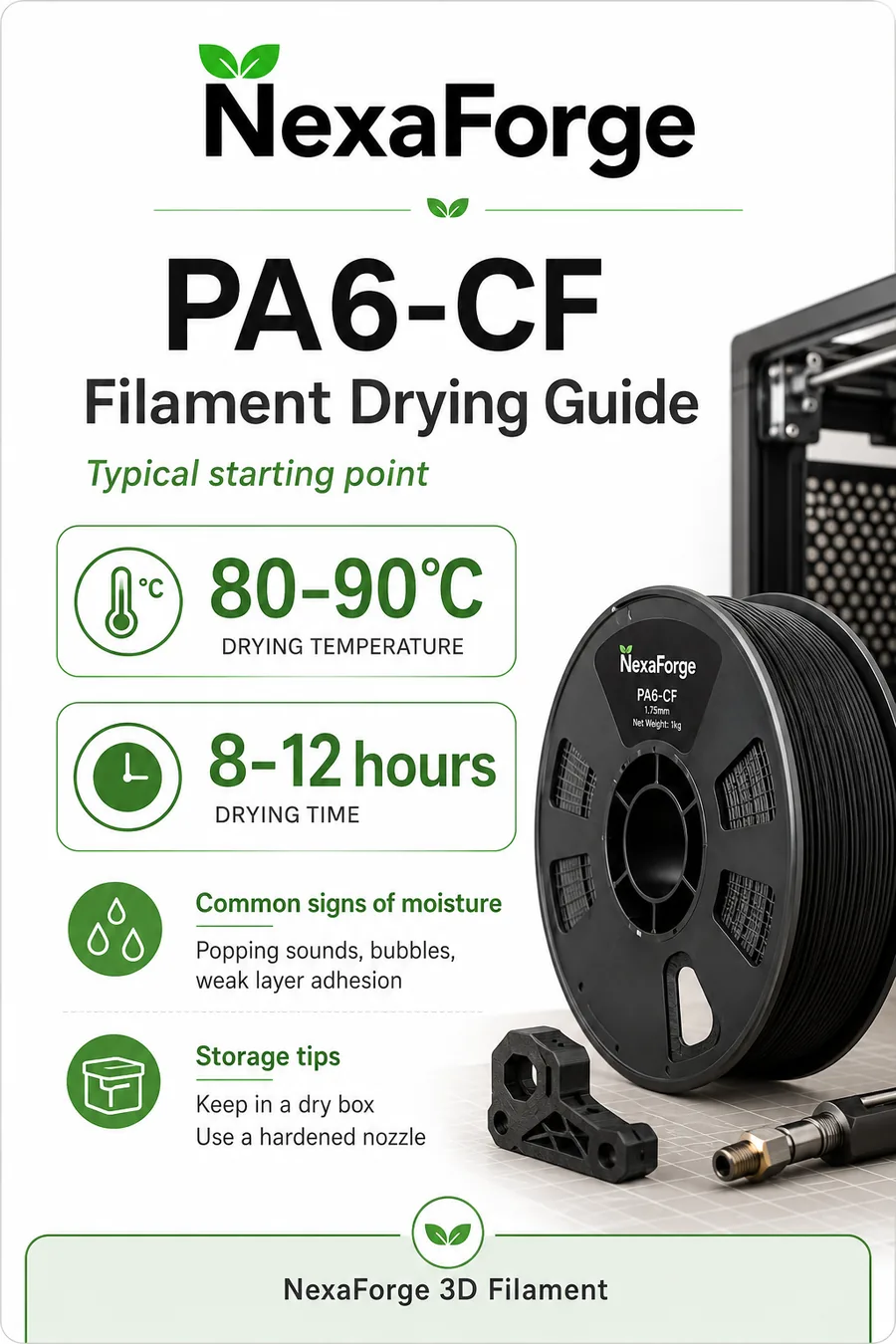
Nylon-based filament should be treated as moisture-sensitive. Dry before printing, keep it sealed between uses and feed from a dry box for long engineering prints. PA6-CF also requires an abrasion-resistant nozzle.
Storage After Drying
- Seal each spool in a moisture-resistant bag or dry box.
- Add fresh desiccant and replace it when saturated.
- Keep Nylon, PA6-CF, TPU and water-soluble support materials under the strictest storage control.
- Label the drying date for production batches and print-farm inventory.
- Avoid leaving open spools beside printers overnight in humid environments.
Filament Drying FAQ
Can filament be dried on the original spool?
Yes, when the spool, label and adhesive are rated for the selected temperature. Move the filament to a heat-resistant spool when the original spool limit is unknown or too low.
Can a household oven be used?
A household oven can fluctuate significantly at low temperatures. A dedicated filament dryer is safer and more controllable. Never use a temperature that can soften the filament or deform the spool.
Can filament be over-dried?
Excessive temperature or time can deform filament, fuse adjacent turns, damage additives or weaken the spool. Use the lowest effective setting and inspect the first cycle.
How often should filament be dried?
Dry when print symptoms appear, after long storage in humid air, or before critical jobs with Nylon, PA6-CF, TPU, PC and water-soluble supports.
Can I print directly from the dryer?
Yes, when the dryer supports filament feeding and maintains a stable path to the printer. This is especially useful for moisture-sensitive materials and long prints.
Download PETG, TPU and PA6-CF Drying Cards
English, Russian and Portuguese versions for production teams, distributors and end-customer support.








